-Comment
-Credit
-Don’t hotlink
-You may nominate them anywhere. :)
-Brushes by julia_thorne13, everything ele by me
-See Starlit Blue for more icons- take anything from there, but the same rules apply. :)
This icon post also doubles as a promotion post for sm_movieverse (for discussion of the Spider-Man movieverse) and sw_awards, which only needs four more members for noms to start. Come on!!
(EDIT: And now it only needs one more member. Anyone want to be number forty?)
Also, I must plug sw_awards. It’s been completely revamped, hueyreborn is co-moderator now, and as soon as we get a few more people (I’m thinking as soon as we get over forty) the nominations will begin. :D
-Screencaps and textures by me
-Comment and credit
-Don’t hotlink
-All the images from the trailer…spoilers, obviously. ;)
-You don’t have to do this, of course, but if you take one, maybe you could give a bit of money to Comic Relief? I think pretty much everyone in the UK is growing slightly weary of this by now, seeing as it’s nearly midnight ;) but I thought I’d throw it out there.
-Comment and credit
-Don’t hotlink
-Don’t modify
-Tell me if you nominate
-Watch out for ROTS spoilers (major ones)
-Over here for resources. All the textures used in this batch were from http://www.1greeneye.net, which is pretty great. :D
:)
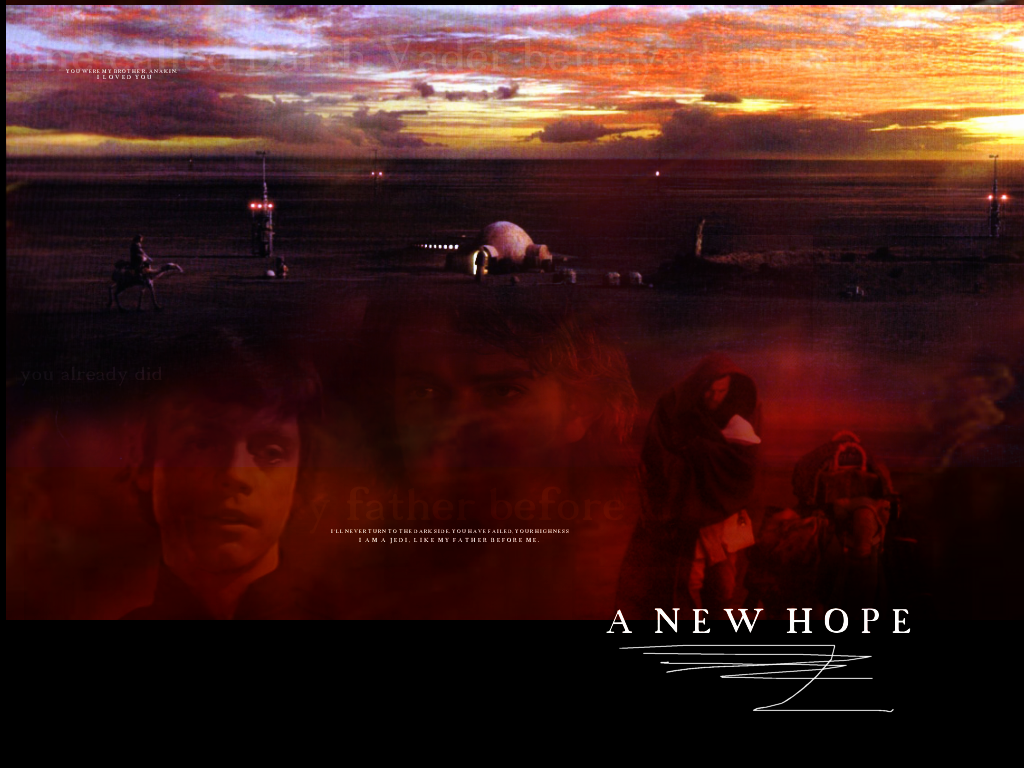
Star Wars
1. 2. 3. 4. 5. 6. 7. 8. 9. 10. 11. 12. 13. 14.
Holes
15. 16. 17. 18. 19. 20. 21.
Harry Potter
22. 23. 24. 25. 26. 27. 28.
Spider-Man
29. 30. 31. 32. 33. 34. 35. 36.
James Franco
37. 38. 39. 40. 41.
Just over 40. w00t. ;)
Anyway, one other thing…I was wondering, does anyone want to take over sw_awards? No-one’s posted for ages, and I didn’t really do a great job as moderator…
Download the zip file, take out the images and upload them to your own server.
(The rest taken from Livejournal’s FAQ…they explained it better. :p)
When you’re ready to continue, make sure you’re logged in, and go to LiveJournal’s command console, where you can enter the commands to define your mood theme. (There is a reference, in case you need it, which describes all of the console commands, and explains how to escape double-quote and backslash characters.)
The first thing you’re going to do is create the theme. Execute the command:
moodtheme_create name des
where
name = the name of your new theme, which will be displayed in the lists from which users select.
des = a short description for your theme, which will be accessible through the console’s moodtheme_list command.
For example:
moodtheme_create “Munch’s Screamers” “You’ve seen ‘distressed’. Now see the rest.”
If you’re successful, you’ll see a page which tells you so and gives you a number (the theme ID) identifying your new mood theme. Remember this number, as it will be used every time you enter information for a mood. (If you forget it, you can execute the moodtheme_list command to find out the IDs of all the themes available to you.)
Now it’s time for the tedious part. You’ll assign each of your image files to a mood, by executing a command of the form:
themeID = the number given to you after you created the mood theme.
moodID = the number of a mood for which you created an icon; you can find these numbers in parentheses on the LiveJournal Moods page (example: 15 for “happy”).
picURL = the full URL (Web address) of your mood icon.
width = width of the image, in pixels.
height = height of the image, in pixels.
For the assignment to take effect, you must provide all of the information listed. For example:
 2.
2.  3.
3.  4.
4.  5.
5.  6.
6. 
 8.
8.  9.
9.  10.
10.  11.
11.  12.
12.
 14.
14.  15.
15.  16.
16.  17.
17.  18.
18.  19.
19.  20.
20. 
 22.
22.  23.
23.  24.
24.  25.
25. 
 2.
2.  3.
3.  4.
4.  5.
5.  6.
6.  7.
7.  8.
8.  9.
9.  10.
10.  11.
11.  12.
12.  13.
13. 
 15.
15.  16.
16.  17.
17.  18.
18.  19.
19.  20.
20.  21.
21.  22.
22.  23.
23.  24.
24.  25.
25.  26.
26.  27.
27.  28.
28.  29.
29.  30.
30.  31.
31.  32.
32.  33.
33.  34.
34.  35.
35. 36.
36. 
 38.
38.  39.
39.  39.
39.  40.
40.  41.
41.  42.
42.  43.
43.  44.
44.  45.
45.  46.
46. 
 2.
2.  3.
3. 4.
4.  5.
5.  6.
6.  7.
7.  8.
8.  9.
9.  10.
10.  11.
11.  12.
12.  13.
13.  14.
14.  15.
15.  16.
16.  17.
17.  18.
18.  19.
19.  20.
20.  21.
21. 
 23.
23.  24.
24.  25.
25.  26.
26.  27.
27.  28.
28. 
 2.
2.  3.
3.  4.
4.  5.
5.  6.
6.  7.
7.  8.
8.  9.
9.  10.
10.  11.
11.  12.
12.  13.
13.  14.
14.  15.
15. 
 17.
17.  18.
18.  19.
19.  20.
20.  21.
21.  22.
22. 
 24.
24.  25.
25.  26.
26.  27.
27.  28.
28.  29.
29.  30.
30.  31.
31.  32.
32. 
 2.
2.  3.
3.  4.
4.  5.
5.  6.
6.  7.
7.  8.
8.  9.
9. 
 11.
11.  12.
12.  13.
13.  14.
14.  15.
15. 
 17.
17.  18.
18.  19.
19.  20.
20.  21.
21.
 2.
2.  3.
3.  4.
4.  5.
5.  6.
6.  7.
7.  8.
8. 
 2.
2.  3.
3.  4.
4.  5.
5.  6.
6.  7.
7.  8.
8.  9.
9.  10.
10. 
 2.
2.  3.
3.  4.
4.  5.
5.  6.
6.  7.
7.  8.
8.  9.
9.  10.
10.  11.
11.  12.
12.  13.
13.  14.
14. 
 16.
16.  17.
17.  18.
18.  19.
19.  20.
20.  21.
21. 
 23.
23.  24.
24.  25.
25.  26.
26.  27.
27.  28.
28. 
 30.
30.  31.
31.  32.
32.  33.
33.  34.
34.  35.
35.  36.
36. 
 38.
38.  39.
39.  40.
40.  41.
41. 
 1. 2.
1. 2. 3.
3. 4.
4.  5.
5.  6.
6.  7.
7. 
 9.
9.  10.
10.  11.
11.  12.
12.  13.
13.  14.
14.  15.
15.  16.
16.  17.
17.  18.
18. 
 20.
20.  21.
21.  22.
22.  23.
23.  24.
24.  25.
25.  26.
26.  27.
27.  28.
28. 
 30.
30.  31.
31.  32.
32.  33.
33.  34.
34.  35.
35.  36.
36.  37.
37.  38.
38.  39.
39.  40.
40.  41.
41.  42.
42.  43.
43.  44.
44.  45.
45.  46.
46. 


 2.
2.  3.
3.  4.
4.  5.
5.  6.
6.  7.
7.